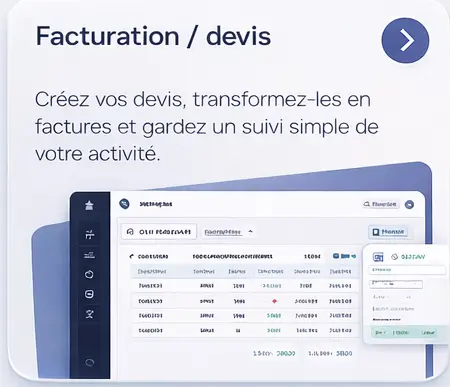
Invoicing / quotes
Create your quotes, turn them into invoices and keep simple track of your business.
- Quote and invoice creation
- Simplified admin tracking
- Centralized documents
- Clear view of your business
Octav brings the field, admin, reports, scheduling and extranet access together in a single platform designed to be clear, fast and pleasant to use.
Scheduling, reports, offline mode, QR code, extranet and invoicing: Octav brings together the essential tools to run your business more smoothly.
Create your quotes, turn them into invoices and keep simple track of your business.
See details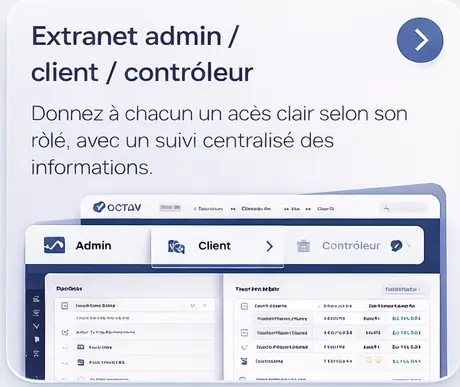
Give everyone clear access based on their role, with centralized information tracking.
See details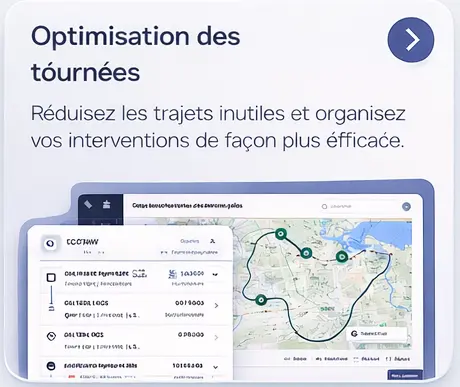
Cut out unnecessary travel and organize your jobs more efficiently.
See details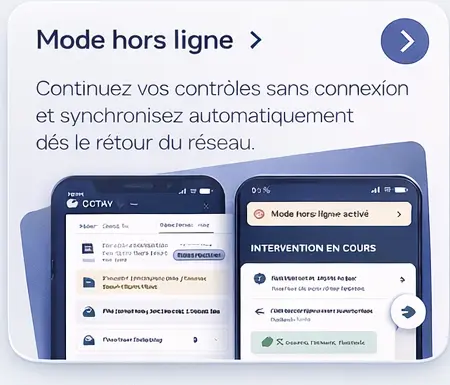
Keep running inspections with no connection and sync automatically as soon as the network is back.
See details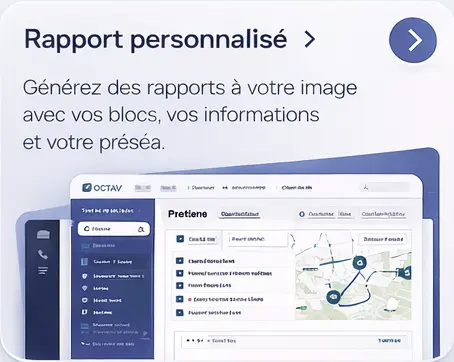
Generate reports in your own image, with your blocks, your information and your layout.
See details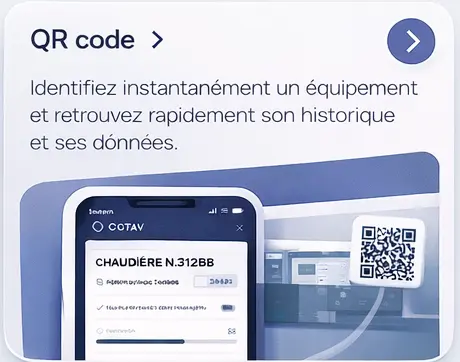
Instantly identify a piece of equipment and quickly retrieve its history and data.
See detailsOctav centralizes the preparation, organization and tracking of your inspections to help you save time, assign your teams more effectively and keep a clear view of your entire operation.
Octav adapts to your organization with a high level of customization, automation and configuration to meet your business needs without rigidity.
Octav offers separate access for your clients and your inspectors to streamline communication, simplify job requests and give the right information to the right people.
A clear view to see everything the platform covers at a glance.
Create your quotes, turn them into invoices and keep simple track of your business.
Give everyone clear access based on their role, with centralized information tracking.
Cut out unnecessary travel and organize your jobs more efficiently.
Keep running inspections with no connection and sync automatically as soon as the network is back.
Generate reports in your own image, with your blocks, your information and your layout.
Instantly identify a piece of equipment and quickly retrieve its history and data.
Answers to the most common questions about offline mode, custom reports, QR code traceability, the client extranet and integrations.
Periodic inspection software should cover job scheduling, asset fleet management (clients, sites, equipment), field data entry (ideally in offline mode), the generation of custom inspection reports, deadline tracking with automatic alerts, traceability via QR code or NFC, and a client extranet to share documents. Octav brings all of these building blocks together in a single web and mobile platform.
Yes. In the Octav mobile app, on Android, most of a job can be done with no connection: records, forms, photos, signatures and closing the report. What you enter stays on the device and is sent automatically as soon as the network comes back. A few features, such as voice dictation or viewing PDF reports, still need a connection. This is essential on industrial sites, underground car parks, metal warehouses or remote areas where 4G is unreliable.
Yes. Octav lets you build your own report templates: sections, data-entry fields, tables, checkpoint grids and a conclusion badge. Each equipment category can have its own template. Your reports carry your logo, your border color and your regulatory texts. The PDF report is generated when the job is closed (once the network is back if you were offline), available on the client extranet and sent by email in one click.
A piece of equipment tracked in Octav can carry a printed QR code or an NFC tag into which you program its link. Scanned with a phone camera, or read by an NFC-enabled phone, the tag opens the equipment record online. Inspector or client, anyone can view it, even without an account: inspection history, reports and documents to download. This speeds up field inventories and makes regulatory traceability more reliable.
Yes. The client extranet is included in every pricing tier at no extra cost. Your clients access their equipment fleet, download their reports and invoices, create job tickets and check their upcoming deadlines. It’s a powerful driver of perceived added value, especially valued by large accounts that require permanent access to their data.
Yes. Admins and inspectors can connect their Google or Outlook calendar to push the jobs scheduled in Octav to it, or follow their schedule in any calendar app through an iCalendar subscription link. On the admin side, Octav sends your invoices to your accounting software (Sage Business Cloud, Pennylane, MyUnisoft, QuickBooks, Odoo…) and reads your bank statements for reconciliation. For your other tools (ERP, CRM, internal software), the Octav API and its webhooks provide the link.
The number of users (inspectors, managers, admin staff) is not limited by pricing tier. You pay based on the number of equipment items tracked, not the number of users. This lets teams grow without extra cost tied to headcount, which sets Octav apart from many periodic inspection software tools that bill per user.
Route, equipment register, inspection report, photos and signature: the Octav app takes the field work to phones and tablets, offline mode included. It comes in 7 languages, and everyone sets it up their own way: colour, light or dark theme, text size.
Discover the mobile inspection appThe Octav demo focuses on your real cases: type of inspection, team structure, recurrences, reports, extranet and management needs.